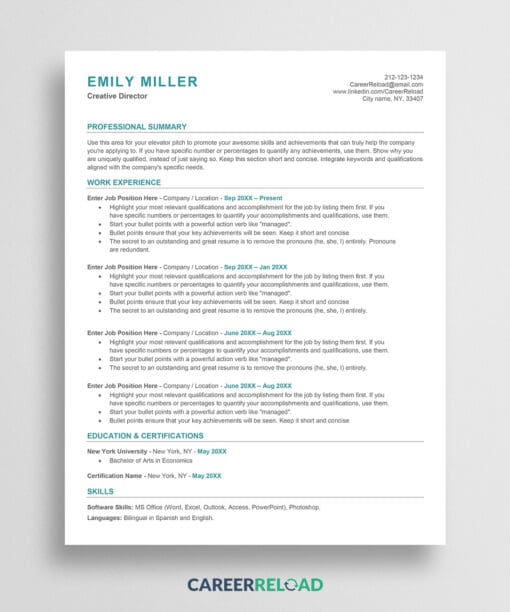
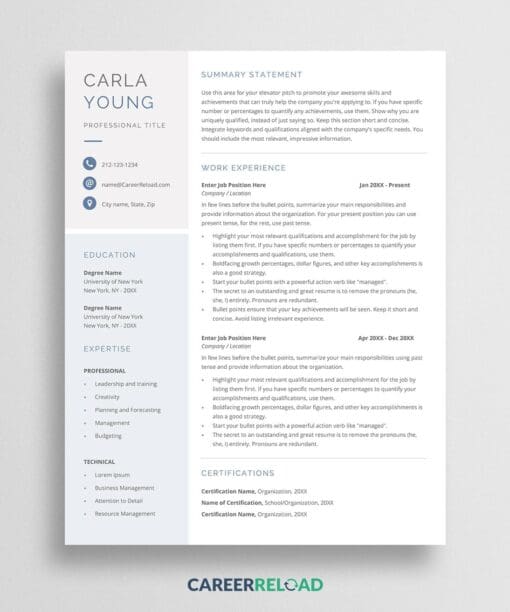
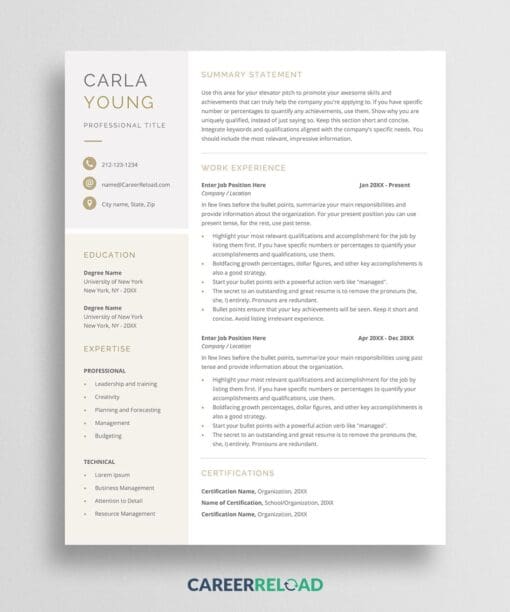
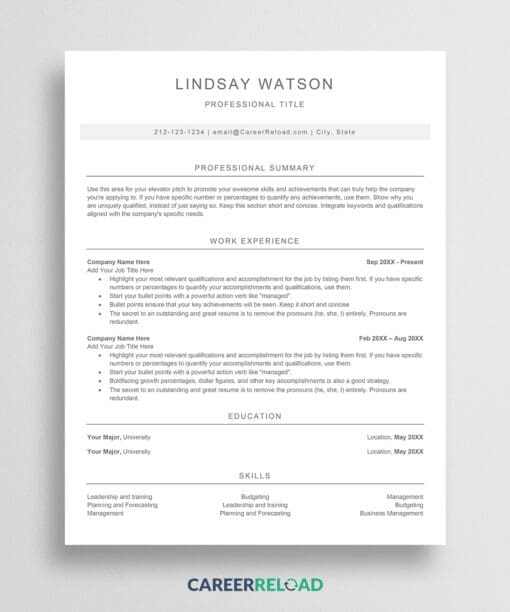
Looking for a resume that looks good and works with applicant tracking systems? The Lindsay resume uses a clean, modern ATS friendly resume format built in Microsoft Word. It’s simple, one-column, and fully editable, perfect for job seekers who want a professional resume that passes ATS scans.
This free resume template is one page by default, but it easily grows to multiple pages as you add more information. It’s ideal for all career levels and industries.
Download the Free ATS Friendly Resume Format for Word
Recruiters spend just a few seconds reviewing each resume. With this ATS friendly resume format, your layout stays clean, organized, and easy to scan. The design uses standard fonts, proper spacing, and no graphics, so it’s fully compatible with applicant tracking systems.
Key Features:
- One-column design for ATS readability
- Simple margins and consistent spacing
- System font for better compatibility
- Bold text for key achievements
- Capitalized headings for better structure
- Subtle use of color to help you stand out
This format helps recruiters quickly find your work history, skills, and accomplishments. It’s designed for human eyes and machine scans.
Why Use an ATS Friendly Resume Format?
An ATS-friendly format helps your resume get past resume-scanning software without issues. It uses a clear structure that allows the system to read your content correctly, so the hiring manager sees your qualifications.
Pair this format with strong keywords from the job description, clear bullet points, and a personalized matching cover letter to boost your chances.
How to Edit This Resume Template
It’s easy to customize. Just open the file in Microsoft Word or Google Docs and start replacing the sample text with your own. Each section comes with tips to help you write strong content. You can also translate the headings or adjust colors if needed, everything is fully editable.
What’s Included in the Free Download?
- 1-page resume
- One-column, modern layout
- Fully editable in Word or Google Docs
FAQ
What is the best resume format to pass ATS?
The best resume format to pass the ATS is a simple, reverse chronological format that is ATS friendly. Use a clean design, standard fonts, and clear headings. Avoid graphics, tables, or unusual layouts. A chronological or hybrid format usually works best.
What resume file format is best for ATS?
The safest file type is a Word document (.docx), since many systems read it easily. Some employers also accept PDF files, but a Word file is the most reliable ATS resume format.
How do you format a resume for ATS?
To create an ATS friendly format, use plain text, standard section titles like “Experience” and “Education,” and consistent bullet points. Keep job titles and dates clear. Avoid images, charts, or text boxes that can confuse the software.
Are bullet points ATS-friendly?
Yes, bullet points are ATS friendly when kept simple. Use standard black circle or dash bullets. Avoid fancy symbols that may not scan correctly. Bullet points make your resume easier to read for both systems and recruiters.