Looking for the perfect Google Docs resume format? Debbie is a professionally designed template that combines functionality with modern aesthetics. This resume template gives you a clean, organized structure that hiring managers love while being incredibly easy to customize.
Why Choose This Google Docs Resume Format?
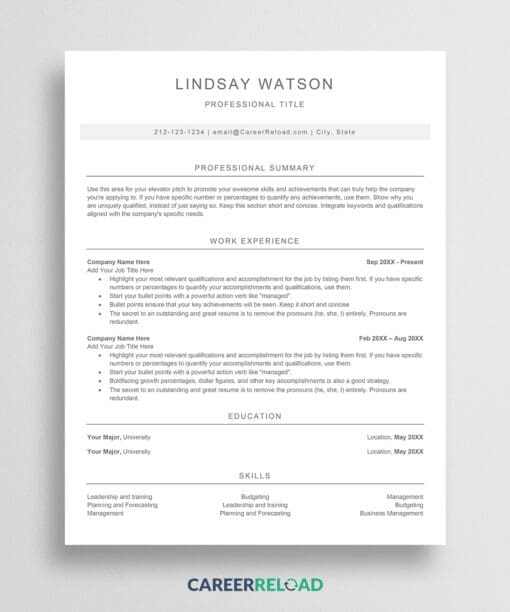
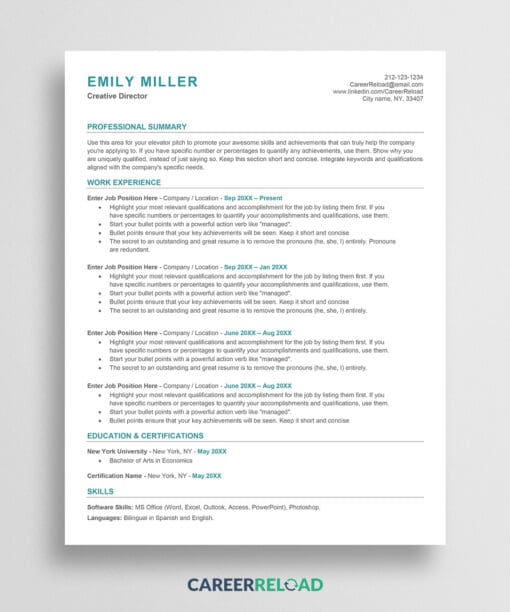
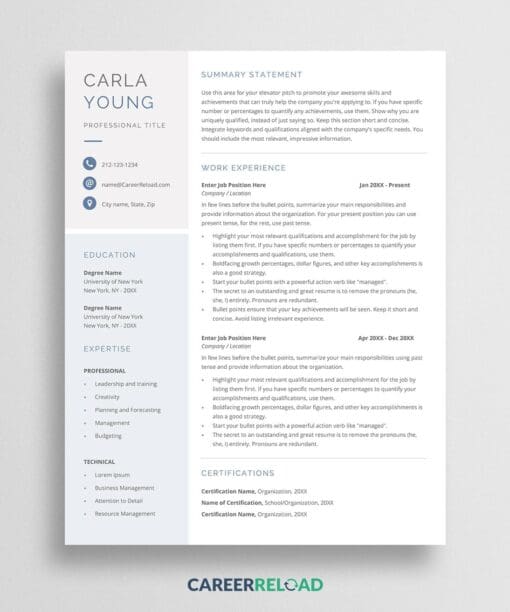
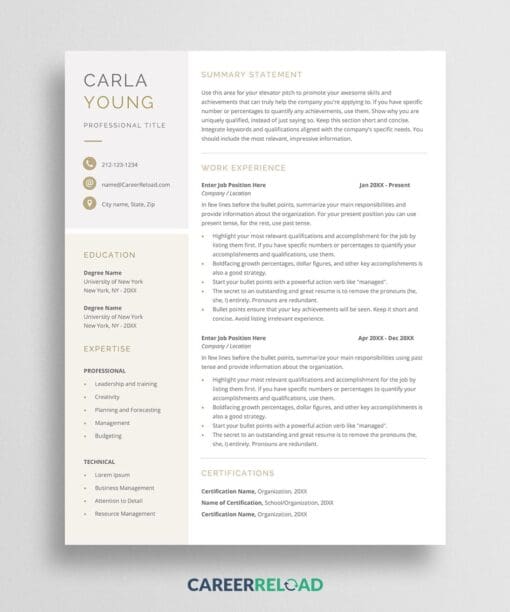
The right resume format can make or break your job application. This resume template features a strategic 2-column layout that maximizes space while maintaining excellent readability. The format uses optimal margins, professional typography, and clear section hierarchy. All of these elements help applicant tracking systems (ATS) and recruiters appreciate your resume.
When you choose a proven Google Docs resume format like Debbie, you’re getting more than just a template. You’re getting a formatting framework that helps you present your professional story effectively. The structured sections guide you through each component, from your professional summary to work experience, education, and skills. This ensures nothing important gets overlooked.
This Google Docs resume format incorporates subtle color accents that add personality without overwhelming the content. The capitalized headings create clear visual breaks, making it easy for recruiters to scan and find the information they need in seconds.
Optimized for Success
Your resume format directly impacts how hiring managers perceive your professionalism. This Google Docs resume format follows industry best practices with system fonts that display consistently across all devices and platforms. Whether viewed on a computer, tablet, or printed, your resume will look polished and professional.
The format also supports strategic content presentation. Bold your achievements, percentages, and key metrics to draw attention to your most impressive accomplishments. Pair this Google Docs resume format with a matching cover letter to create a cohesive application package that stands out.
How to Edit?
To edit this template, copy it first to your Google Drive: File > Make a Copy. Ensure you are logged in to your Google Drive, or the ‘Make a Copy’ option won’t be available. Replace the placeholder text with your own information. Each section includes guiding text to help you craft compelling content. The template is fully editable, allowing you to translate or customize it to match your needs.
What Does The Free Template Include?
- 1-page resume template
- Professional 2-column layout
- Easy-to-edit structure