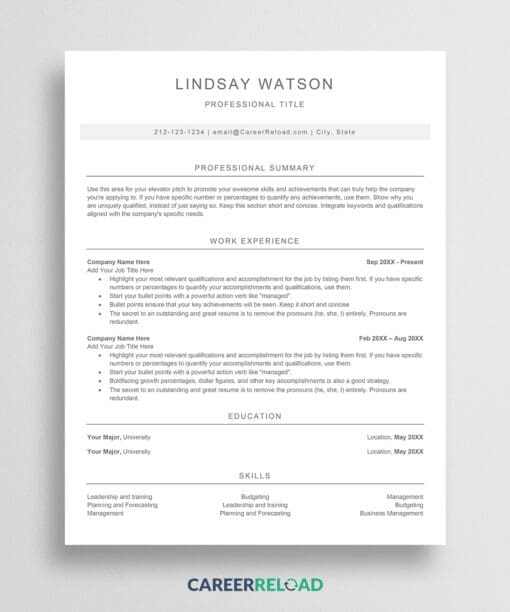
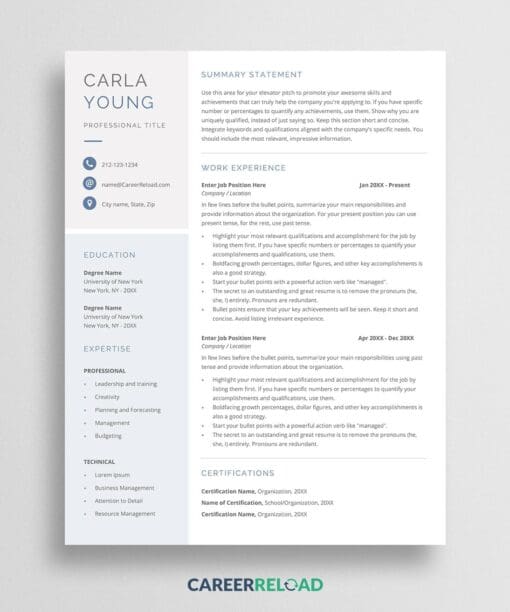
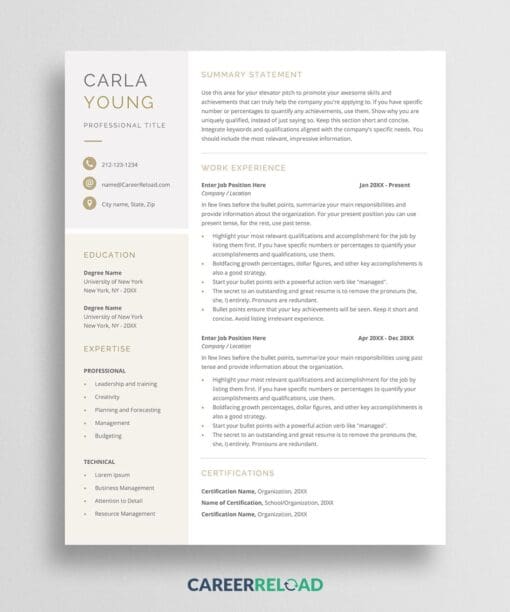
Optimize your job search with this ATS resume Google Docs template. Teegan helps applicants pass applicant tracking systems while maintaining professional appeal for human reviewers. This resume template gives you the best of both worlds. You get technical compatibility and visual professionalism.
What Makes This an ATS Resume Google Docs Template?
Over 90% of large companies use applicant tracking systems to screen resumes before human eyes ever see them. An ATS resume Google Docs template needs specific formatting to ensure the system correctly reads and parses your information. Teegan is designed with ATS optimization as the priority.
This ATS resume template uses standard fonts, clear section headings, and simple formatting that ATS software recognizes. No tables, text boxes, headers, footers, or graphics that confuse parsing algorithms. The template structure uses conventional section names like “Work Experience” and “Education” that ATS systems are programmed to identify.
When you use an ATS resume Google Docs template, you dramatically increase your chances of passing the initial screening. Even if you’re highly qualified, poor design can cause an ATS to reject or mangle your information. This resume ensures your qualifications are accurately captured and scored by applicant tracking systems.
ATS-Optimized Design That Looks Professional
Being ATS-friendly doesn’t mean your resume has to look boring. This ATS resume Google Docs template incorporates subtle design elements. Strategic use of color, professional typography, and clean spacing make your resume visually appealing to hiring managers after it passes the ATS screening.
The 1-column format is optimal for ATS parsing while providing excellent readability for humans. The template guides you to structure your experience with clear job titles, company names, dates, and bullet points. These are all elements that both ATS systems and recruiters need to see.
Use this ATS resume Google Docs template for applications to large corporations, government positions, and any job posting that requires online submission through a company portal. Pair it with an ATS-friendly cover letter to ensure your entire application package passes automated screening.
How to Edit?
To edit this template, copy it first to your Google Drive: File > Make a Copy. Ensure you are logged in to your Google Drive, or the ‘Make a Copy’ option won’t be available. Fill in your information following the template structure. Don’t alter the format or section headings, as these are optimized for ATS parsing. Each section includes guidance to help you present your qualifications effectively.
What Does The Free Download Include?
- 1-page ATS resume Google Docs template
- ATS-optimized single-column format
- System-friendly fonts and structure
- Professional appearance for human reviewers