Discover the ideal Google Docs CV format for comprehensive career documentation. Astor provides a structured CV format that accommodates extensive professional and academic information while maintaining excellent organization. This CV template is perfect for careers requiring detailed credential presentations.
The Right Google Docs CV Format
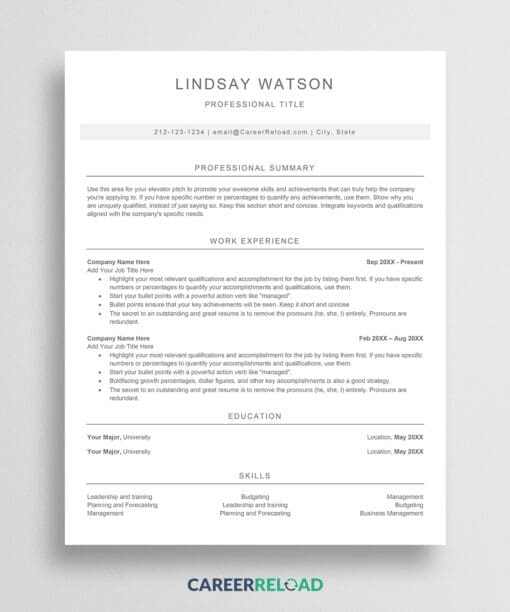
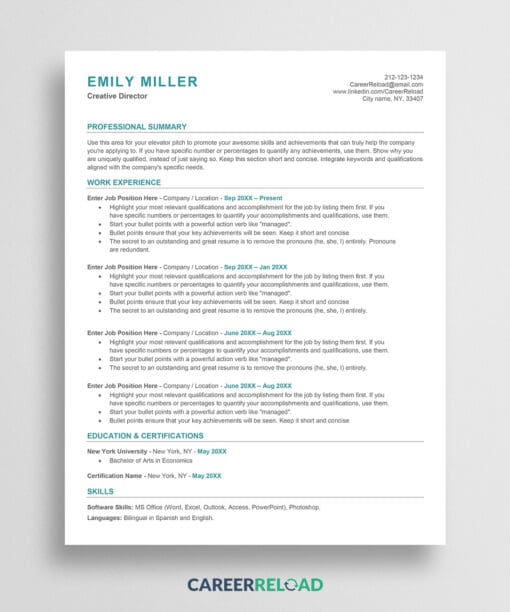
Choosing the correct Google Docs CV format depends on your field and target audience. A CV format differs significantly from a standard resume format. CVs are longer, more detailed, and focus on comprehensive documentation rather than brevity. This resume template provides the multi-section structure necessary for academic, medical, research, and international applications.
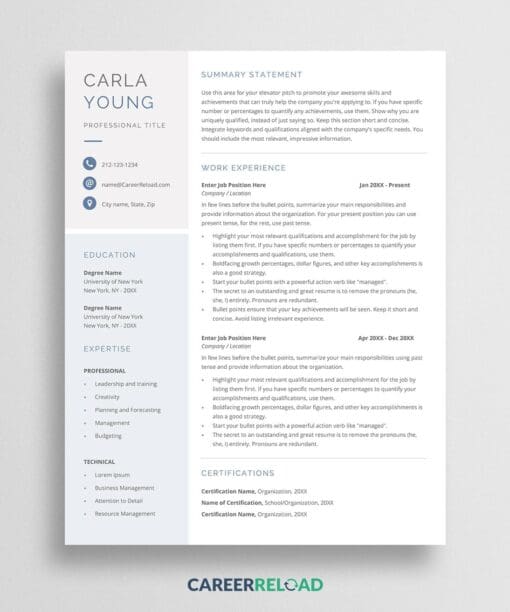
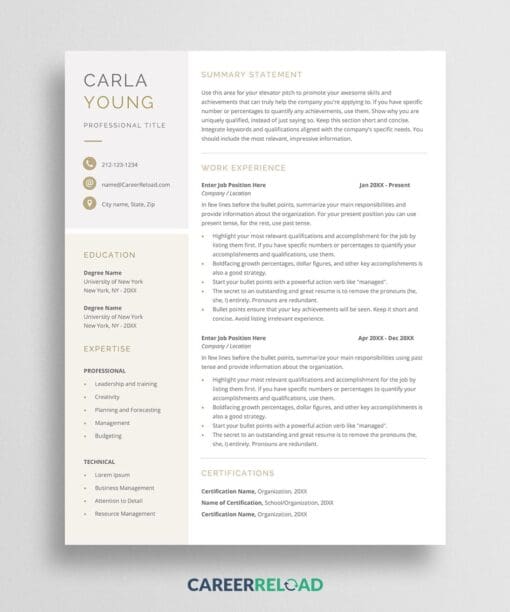
The Google Docs CV format features a professional 2-column layout that efficiently organizes complex information. The format accommodates multiple pages, allowing you to thoroughly document your education, professional experience, publications, research projects, certifications, presentations, and professional affiliations without feeling cramped or cluttered.
This Google Docs CV format uses clear section divisions and consistent formatting throughout. The structured approach helps reviewers quickly locate specific information within your comprehensive career documentation. Whether they are academic committees, research directors, or international employers, they will appreciate the organization.
Professionally Designed CV Format
A well-organized Google Docs CV format reflects your attention to detail and professionalism. Astor uses optimal margins, professional typography, and strategic spacing that keeps multi-page documents readable and visually appealing. The format incorporates subtle color accents that add sophistication without overwhelming your content. You can change the color with one click.
The 2-column Google Docs CV template maximizes page space while maintaining clear hierarchy. Section headings are prominent and easy to scan, allowing reviewers to navigate your extensive qualifications efficiently. The format encourages strategic emphasis. Bold your achievements, grants, awards, and other notable accomplishments to ensure they stand out.
This Google Docs CV format is particularly valuable for professionals in fields like academia, medicine, science, research, and international business where detailed credential documentation is expected. The format grows with your career. Add pages as you gain more publications, presentations, and achievements. Complement your CV with a matching CV cover letter for formal applications.
How to Edit?
To edit this template, copy it first to your Google Drive: File > Make a Copy. Ensure you are logged in to your Google Drive, or the ‘Make a Copy’ option won’t be available. Replace the placeholder text with your comprehensive career information. Each section is designed to hold detailed entries. The Google Docs CV format is fully editable and can extend across multiple pages as your career develops.
What Does The Free Download Include?
- Single-page resume template for Google Docs
- Modern 2-column resume design
- Simple and easy to edit