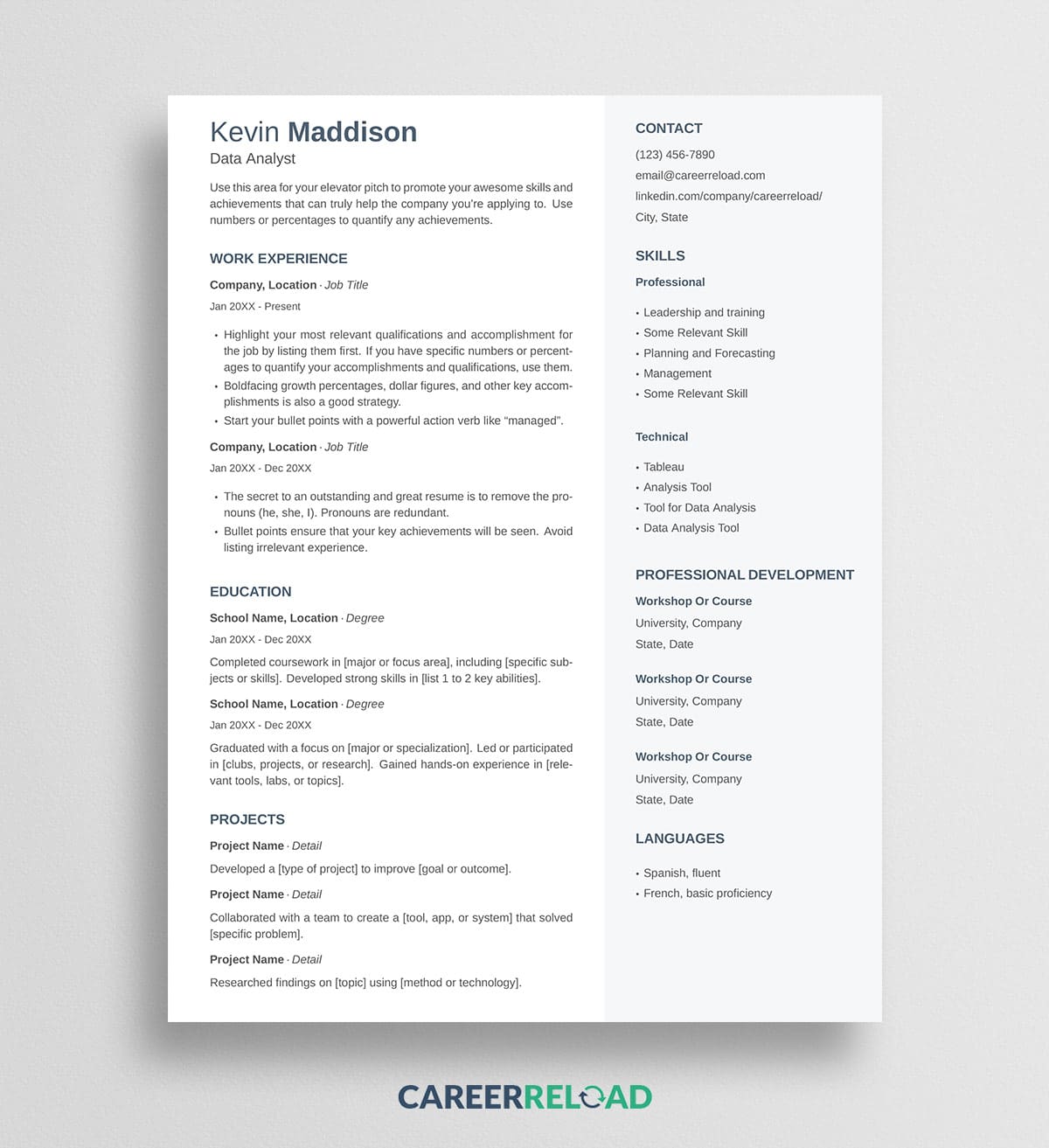
The Kevin two-column LaTeX resume template is a free resume template with a main content column and a shaded sidebar, built for people who have skills, tools, and certifications worth showing off. Download the .tex source file and upload the .tex file to a LaTeX editor, and swap the placeholder text for your own details to build a polished resume in minutes.
Kevin is one of Career Reload’s most popular two-column Word resumes, rebuilt in LaTeX for people who want typographic precision, version control, and a resume that looks identical every time it compiles.
View the original Kevin Word resume template.
Two-column latex resume template design and layout
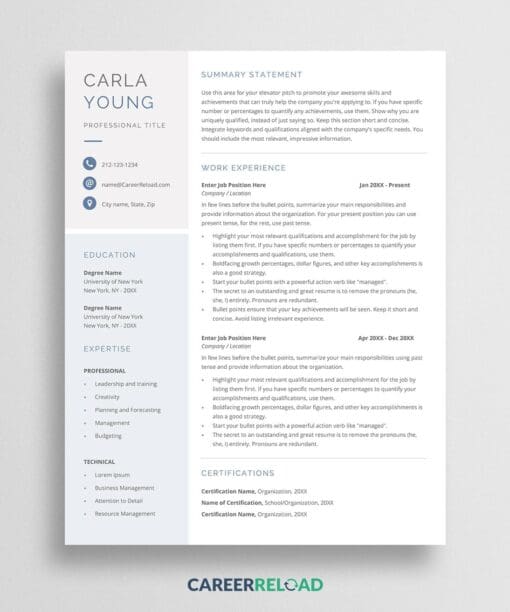
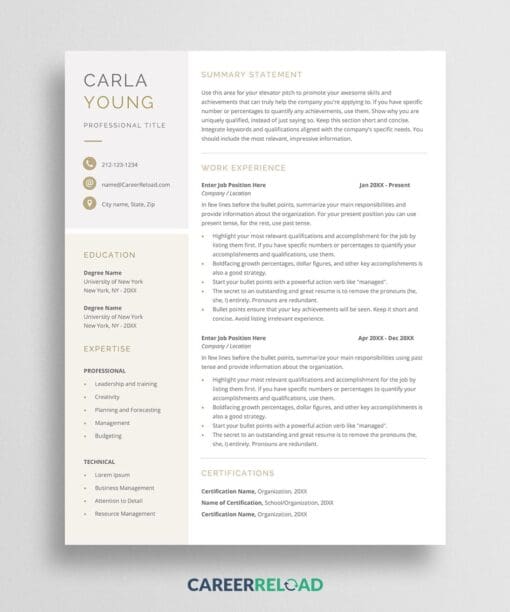
The layout splits your resume into two parts that work together. The wider left column carries the story of your career, starting with your name and target role, a short summary, and then Work Experience, Education, and Projects. The narrower right sidebar sits on a soft gray panel and holds the details a recruiter scans for quickly, with Contact at the top followed by Skills, Professional Development, and Languages.
Your name sits in a slate blue-gray at the top, with each section heading picking up the same tone so the two columns read as one design. The Skills block is split into Professional and Technical groups, which suits data, analytics, and other roles where the tools you know matter as much as where you have worked. Everything fits on one page in a clean sans-serif.
Why a two-column LaTeX resume template works
A two-column layout earns its keep when you have more to say than a single column can hold without running long. The sidebar gives skills, certifications, and languages their own space, so your work history stays front and center in the main column instead of competing with a long list of tools. That separation also makes the page easier to skim, since a recruiter can find your contact details and core skills in one glance while reading your experience in another.
Kevin’s sample content is framed for a data analyst, but the structure fits any skills-heavy role. Swap the Skills groups and Projects for what fits your field and the layout holds up.
How to use the Kevin LaTeX resume template
You will need a LaTeX editor to open and compile the file. A free browser-based editor such as Overleaf works well and requires nothing to install.
- Download the .tex file below.
- Open your LaTeX editor and create a new project from the .tex file, or upload it into a blank project.
- Set the compiler to XeLaTeX. This template uses a system font, so it will not build correctly under the default pdfLaTeX. In Overleaf you change this under Menu, then Compiler.
- Replace the placeholder text with your own name, contact details, experience, education, and skills.
- Compile the project and download your finished resume as a PDF.
That PDF is the file you send to employers. The .tex file is your editable source, so keep it for the next time you tailor the resume to a new role.
Download now: