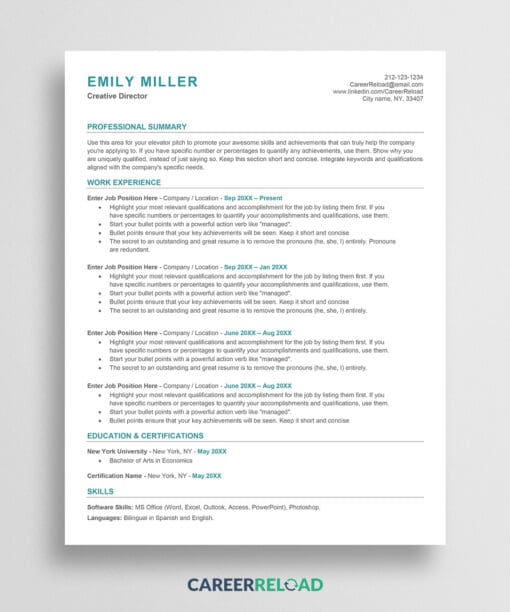
Download our recruiter-approved resume checklist to ensure your application is polished, professional, and ready for the modern job market.
Why You Need This Resume Checklist
Most job seekers spend hours writing their resume, only to get rejected because of a single formatting error or a missing keyword. This free PDF checklist acts as your final “quality control” layer. We have distilled years of career coaching and recruiter feedback into a one-page audit that covers everything from ATS (Applicant Tracking System) compatibility to professional impact.
Don’t leave your career to chance. Download the checklist below and tick off every box to ensure you stand out in a sea of applicants.
What’s Inside the Checklist?
When you download this guide, you’re getting a step-by-step framework used by thousands of successful job seekers. We cover the three pillars of a winning resume:
1. Technical Formatting & Layout
First impressions happen in less than six seconds. Our checklist ensures your layout doesn’t distract the recruiter.
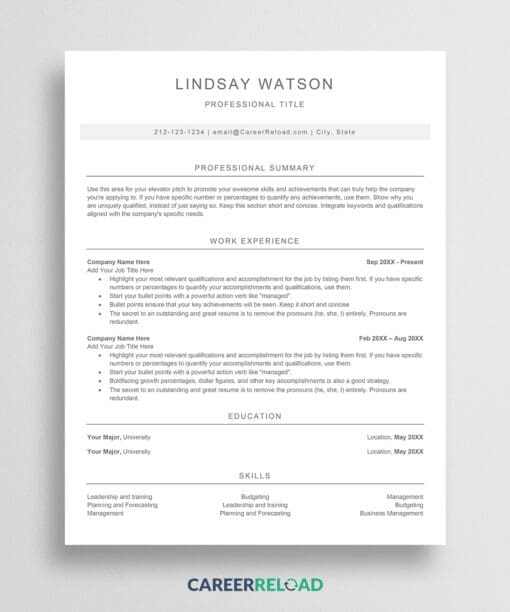
- Keep it Simple: Use a clean, single-column layout. While creative designs are tempting, many automated systems still struggle to read multi-column resumes accurately.
- Choose Professional Fonts: Stick to modern, easy-to-read fonts like Arial, Calibri, or Roboto.
- Consistent Margins: Ensure your margins are between 0.5 and 1 inch on all sides to provide enough white space for readability.
- Save as PDF: Unless the job listing specifically requests a Word document, always send your resume as a PDF to ensure your formatting stays exactly as you intended.
2. Content & Impact Audit
It’s not enough to list what you did; you have to show how well you did it.
- Mirror the Job Description: Read the job posting carefully. Identify the core skills and requirements, and make sure those exact phrases appear in your “Skills” or “Experience” sections.
- Standard Headings: Use universal labels like “Work Experience,” “Education,” and “Skills.” Avoid creative titles that might confuse the software.
- Avoid Graphics in Headers: Do not put essential contact information inside images or shapes, as many scanners cannot read text embedded in graphics.
3. The Final Polish
The smallest typo can signal a lack of effort.
- Check Your Links: Ensure your LinkedIn profile and portfolio links are clickable and lead to the right place.
- Grammar and Spelling: Read your resume out loud. It’s the best way to catch awkward phrasing or missing words that a spell-checker might miss.
- Remove Outdated Info: You generally don’t need to include high school information or references “available upon request.”
Want to Skip The Manual Formatting?
If you want to ensure your resume meets every one of these checklist requirements automatically, use our Free Resume Builder. It handles the ATS-friendly layout for you so you can focus on your career.
For those who want professional-grade suggestions and AI-powered writing assistance to help nail the perfect bullet points, we highly recommend trying a premium resume builder.
Download: Download PDF Checklist
You might also want to read these posts:
- 14 Best Resume Tips That’ll Help You Get Hired
- 9 Tips for Getting Your Resume Past The Applicant Tracking System (ATS)
Do you know how to write a resume that’ll get you hired? Take the resume quiz.