Other Free Resources
Premium


Home » Free Resources » Resume Templates » Word Resumes
This is your complete library of free Microsoft Word resume templates (DOCX). Whether you are starting your career or moving into a management role, you will find clean, ATS-friendly designs that are easy to edit in Word. Each template follows resume standards with modern design, balanced spacing, and layouts that recruiters can scan quickly. No signup is required. Choose a design and download it directly.
613,593 Downloads and Counting
We are happy to say that we have been able to help hundreds of thousands of people with their job search in over 120 countries.
58 Word resume templates and 45 resume examples for Word. New resumes are added every month.
Other resume file formats available:
Our collection of free Word resume templates. Each file opens in Microsoft Word and saves as a DOCX or PDF.
These templates are built for different needs and job levels. You will find modern, minimalist, and classic designs that fit your personal style and career goals. Each layout includes sections for contact information, work experience, education, and skills. You can create a professional resume in just a few minutes.
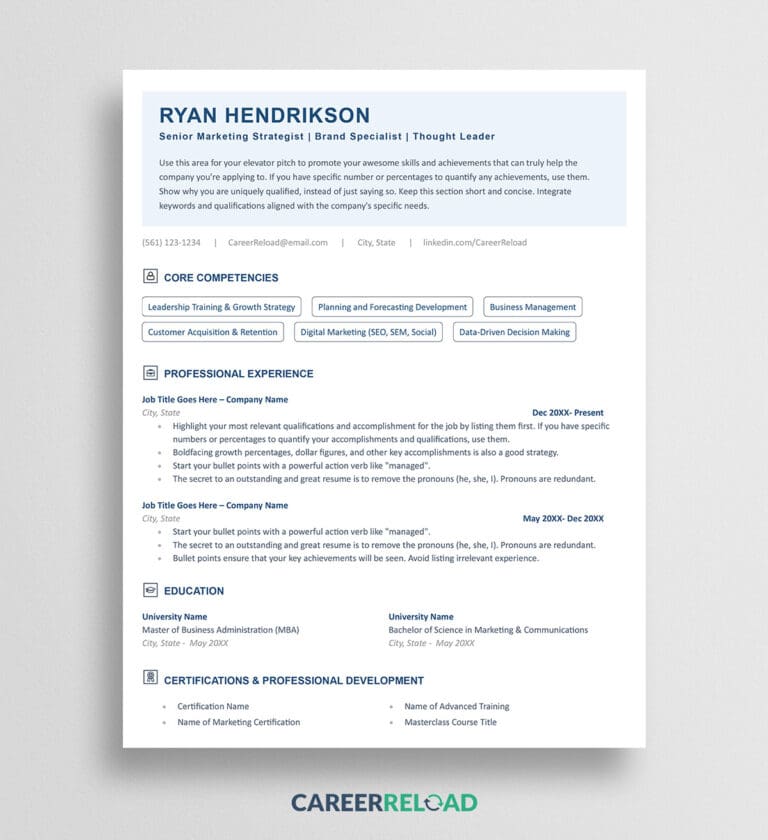


Many employers use applicant tracking systems (ATS) to screen resumes before review. Our ATS-friendly Word resume templates are designed to pass these scans and keep your content readable. These templates ensure your resume looks good to both software and recruiters.
Why they work well:


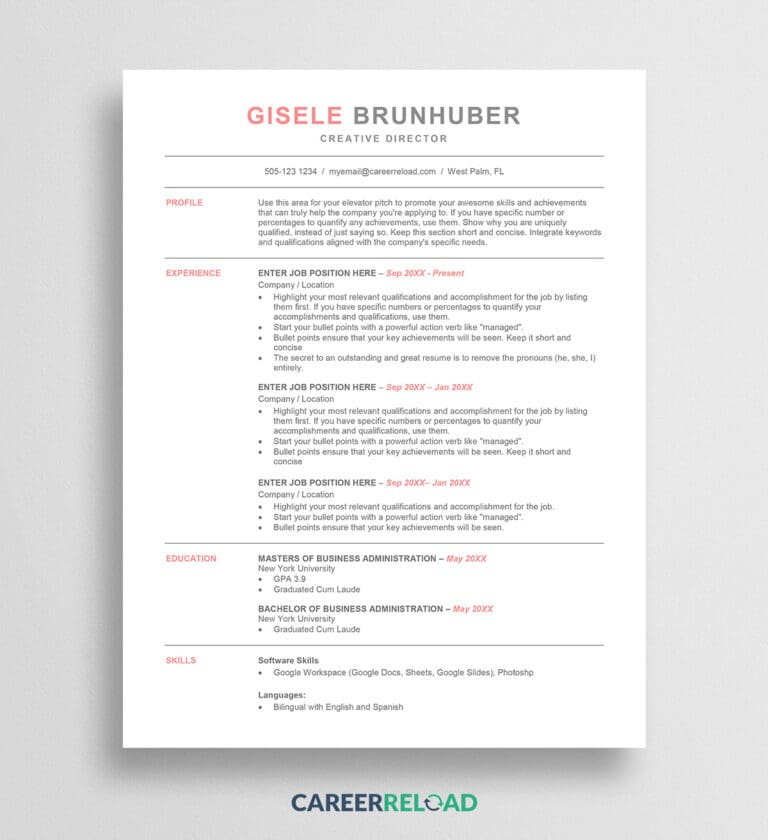


Modern Word resume templates blend clean design with subtle style. They feature balanced spacing, elegant typography, and light color accents that make your application stand out without being distracting. Ideal for creative professionals, marketers, and tech specialists who want a polished, up-to-date look.
Why they work well:
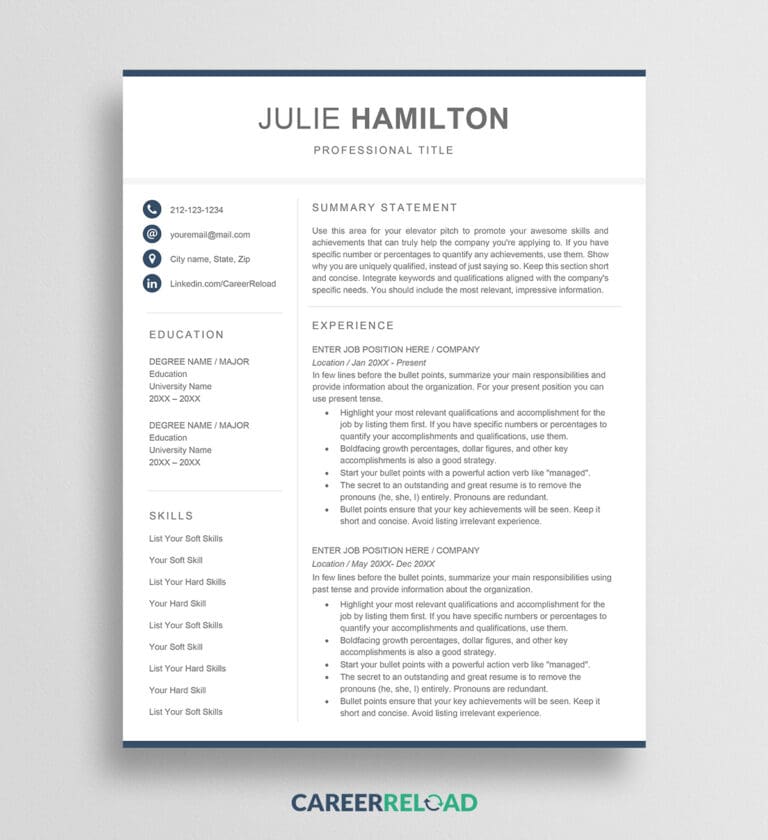


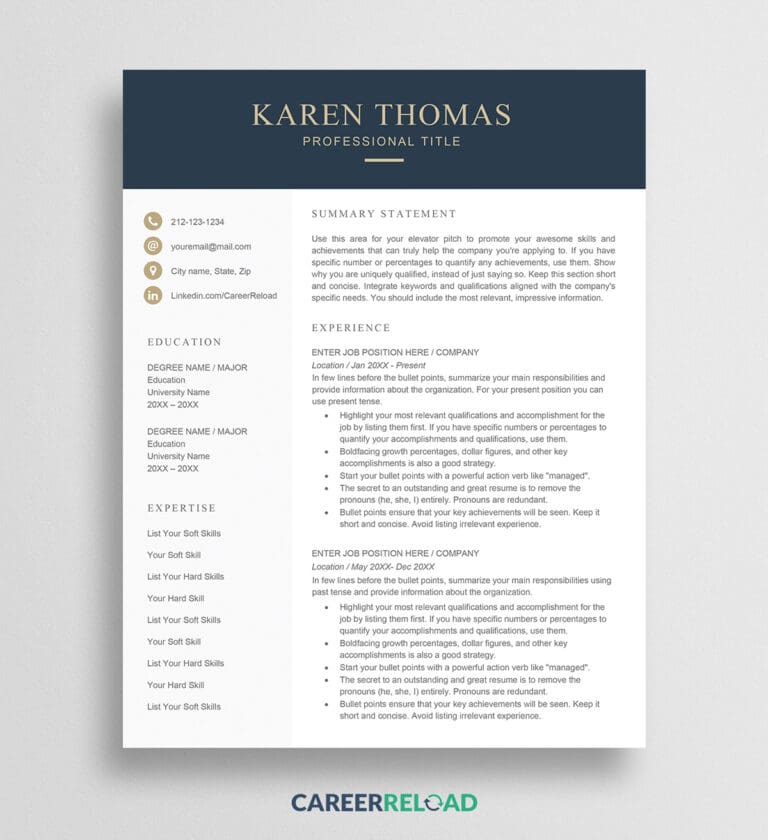

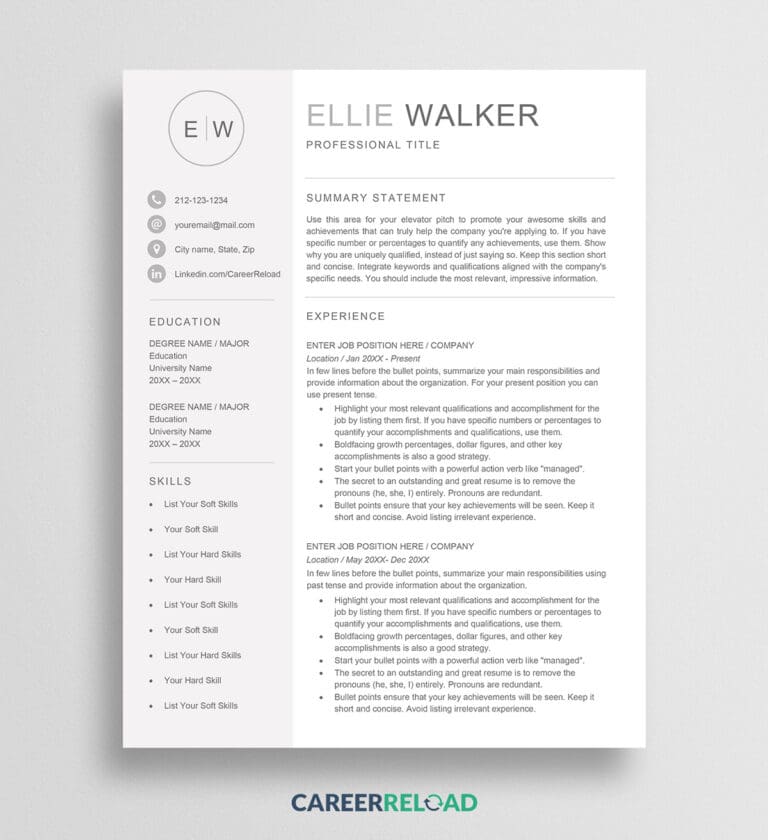


Professional Word resume templates prioritize structure and clarity. They use traditional layouts and neutral color palettes that convey reliability and attention to detail. These templates are well-suited for corporate, legal, and financial careers where professionalism matters most.
Why they work well:


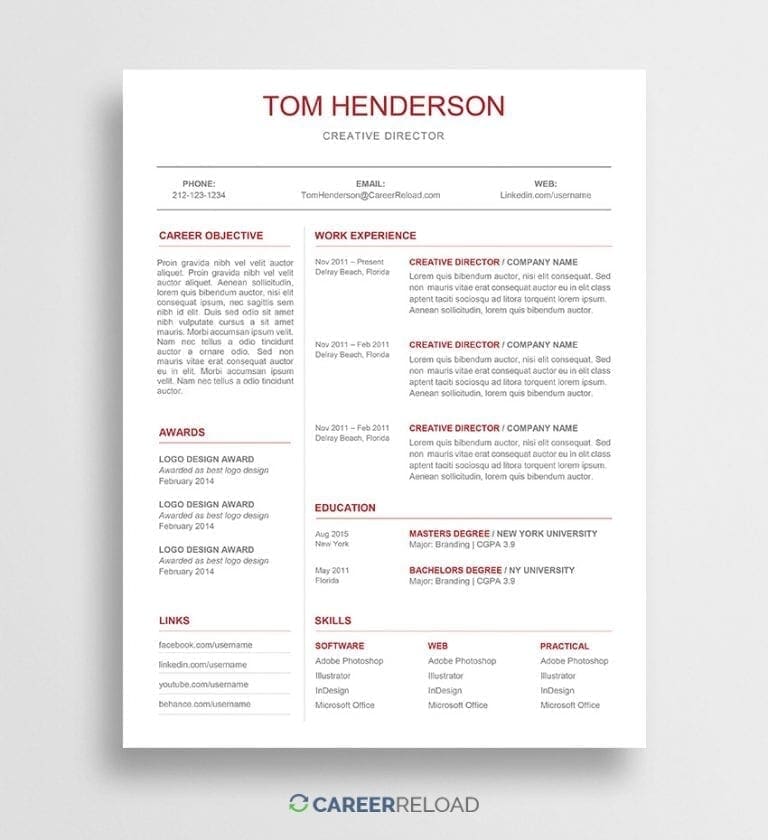
Minimalist Word resume templates focus on clarity and readability. With no extra graphics or design distractions, they highlight your experience and achievements. Perfect for anyone who prefers a clean, content-first presentation.
Why they work well:

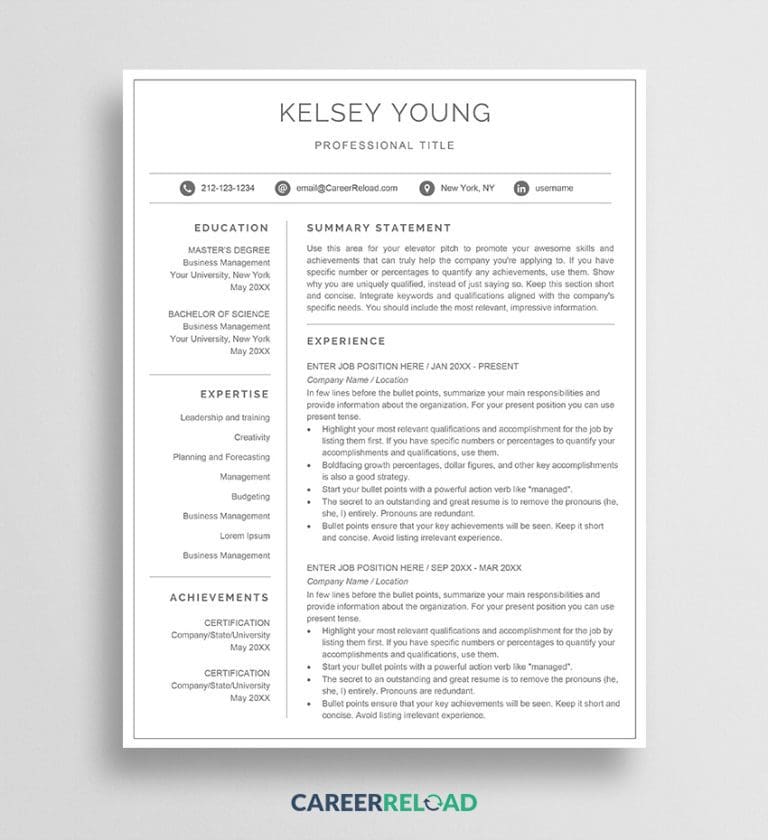


Show your personality and design sense with our free creative resume templates for Word. These templates use bold typography, color accents, and visual balance to make your application stand out while staying professional. Perfect for designers, artists, marketers, and anyone in a creative field.
Features you’ll love:


Photo resume templates are ideal for fields where personal presentation matters, such as acting, modeling, or international applications that expect a headshot. Each layout is designed to include your photo naturally without overshadowing your qualifications.
When to use them:


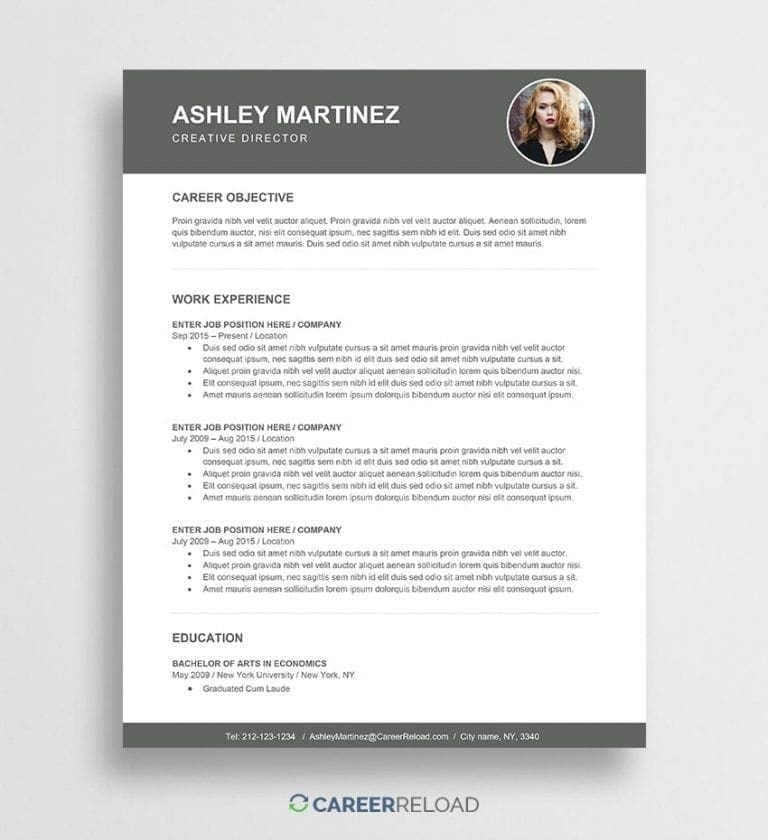
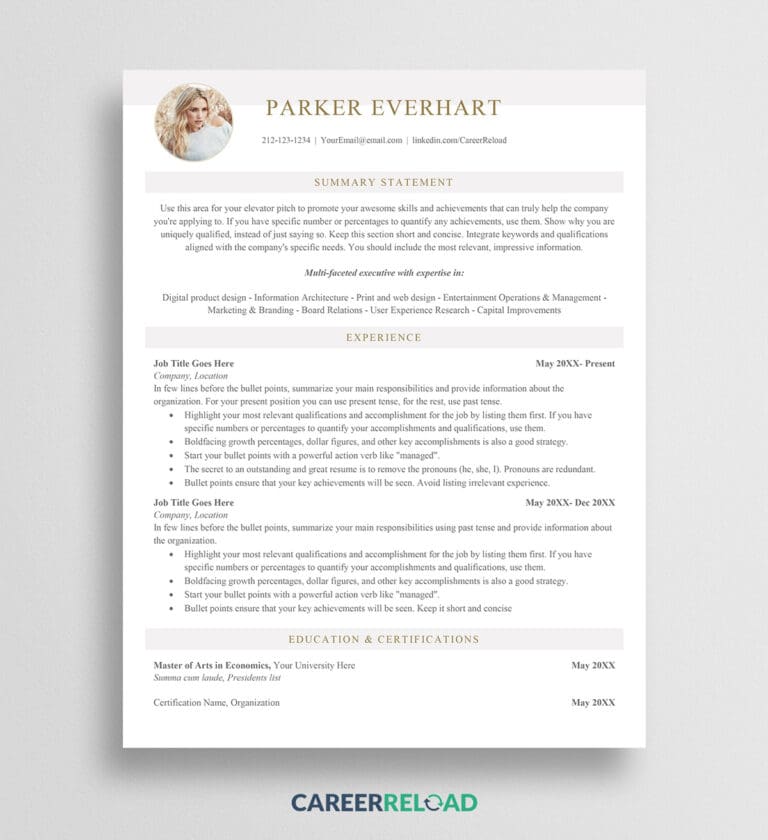
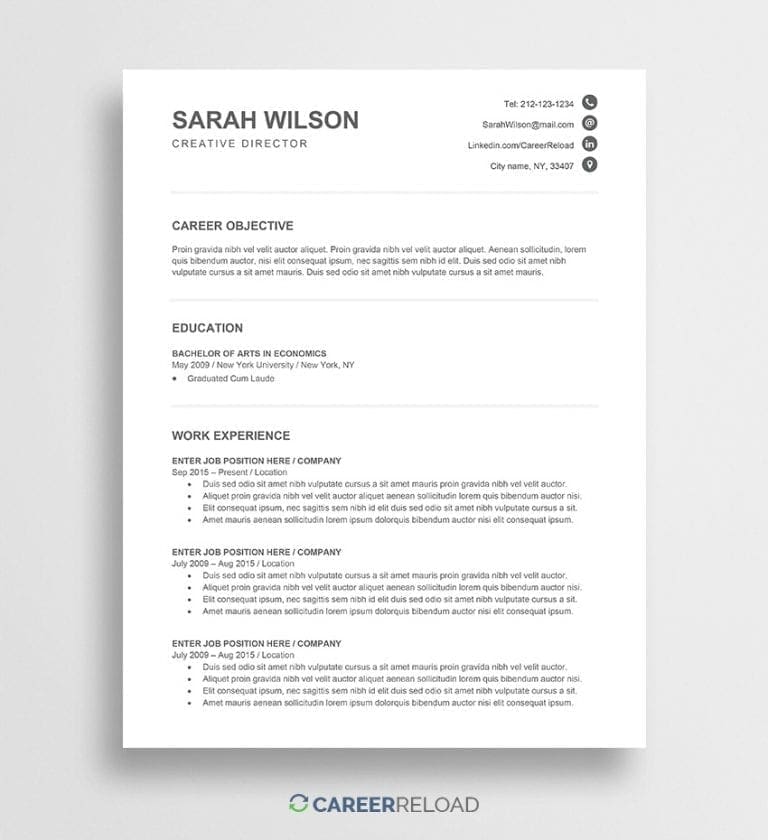
Start your career strong with our entry-level Word resume templates. Each layout is designed to make limited experience look impressive by emphasizing education, skills, and potential. Perfect for students, recent graduates, and anyone entering the workforce.
Why these templates help you stand out:


Showcase your leadership, results, and expertise with our two-page executive resume templates for Word. Designed for senior and executive-level professionals. These Word resume templates provide ample space to highlight achievements, metrics, and key projects. These are ATS-friendly resumes.
Best for:


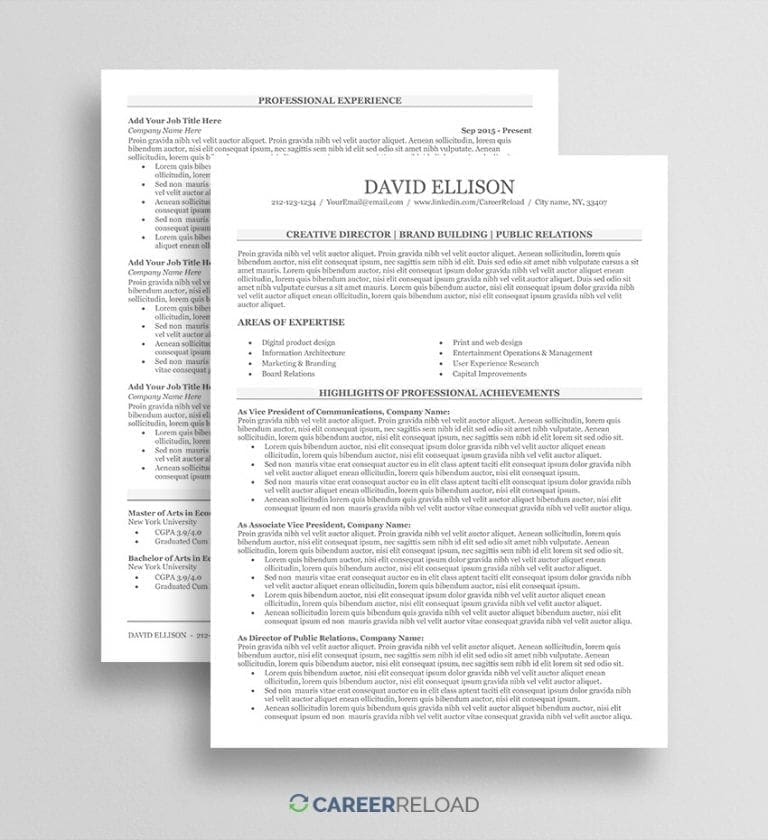
Switching careers is easier with the right resume format. Our career change resume templates for Word are built to highlight transferable skills. They are designed for career changers, and sometimes, these templates are also referred to as functional resume formats.
What makes them effective:
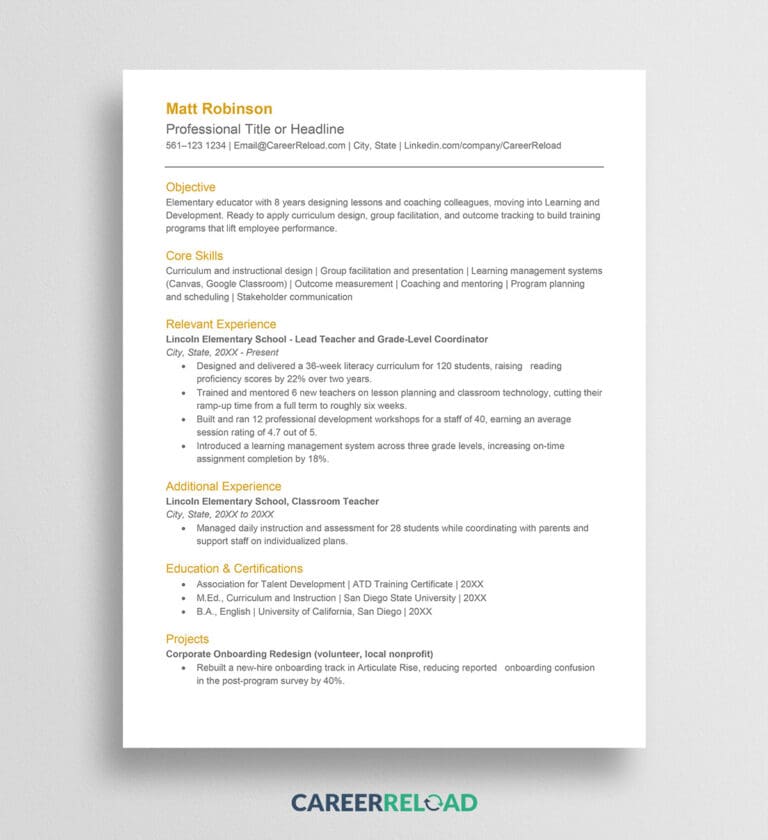


Skills-based Word resume templates help you organize your qualifications by expertise rather than work history. These are often referred to as combination resume format. Ideal for freelancers, career changers, or entry-level applicants who want to emphasize ability over experience.
Template highlights:
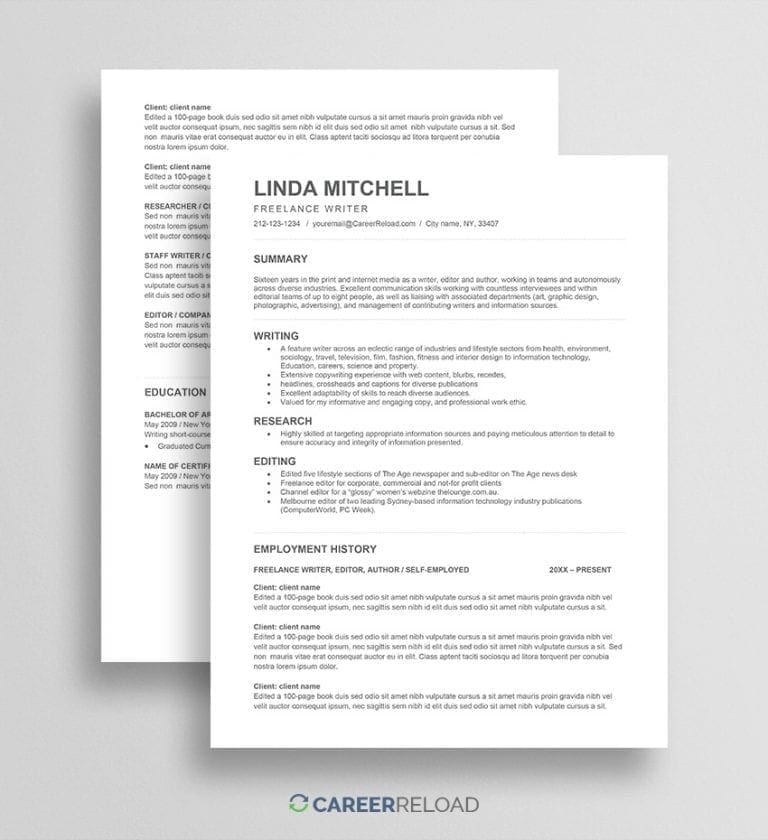


Our Word CV templates are designed for international and academic applications where a detailed career overview is required. Each template includes dedicated sections for education, experience, languages, certifications, and references, making it easy to present your full professional background clearly. You can read more about the differences between a CV and a resume.
Key advantages:


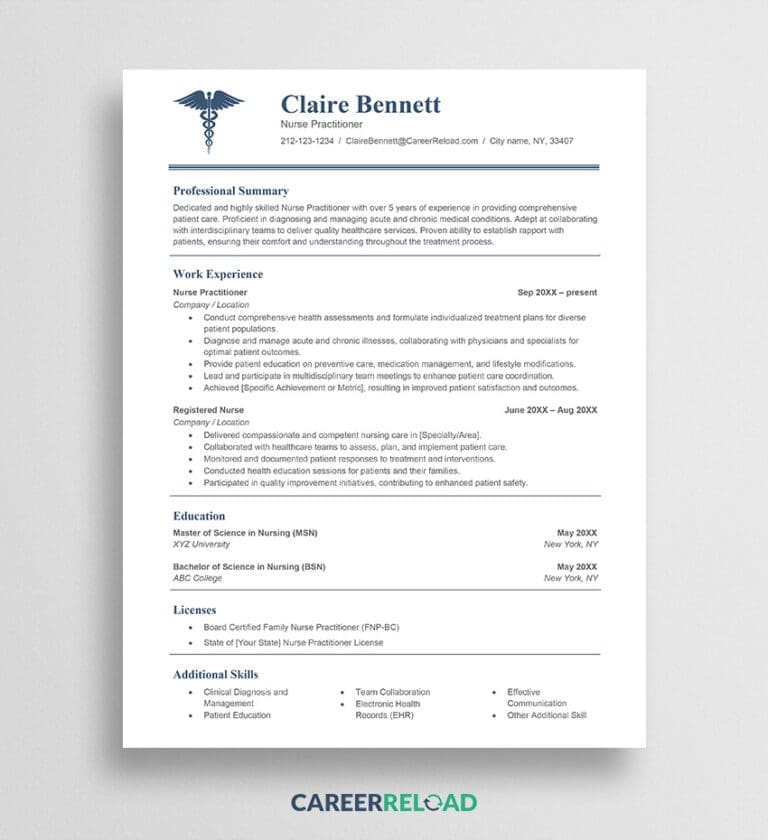
Explore our collection of Word resume templates tailored to specific professions. Each template is built to reflect the skills, experience, and layout preferences common in that career field. This helps you make the right impression from the start.
How they help you:




Awesome selection of resume templates and I can’t believe they are all free!
– Natalie K.
The resume template saved me a tremendous amount of time. Easy to download.
– Levi M.
I love that you can directly download the templates. No sign-ups, no hassle.
– Robyn F.
Here’s how to pick the template that works best for you:
Pick a format based on your experience and industry
| Situation | Best Format | Why It Works |
| New to the workforce | Entry-Level or Skills-Based | Focuses on education and skills |
| Changing careers | Career Change or Functional | Highlights transferable skills |
| Applying to large companies | ATS-Friendly | Easily scanned by hiring software |
| Creative roles | Visual or Modern | Shows personality and design skills |
| Senior roles | Executive or 2-Page Resume | Emphasizes depth and leadership |
Bottom line: The best resume template is clear, professional, and tailored to your goals. Choose one that’s easy to read, fits your field, and puts your strongest qualities first.
Career Reload is a free resource site that helps job seekers create professional application documents quickly and easily. The platform offers free resume and cover letter templates, resignation templates, AI-powered cover letter generator, and practical career advice to support every stage of your job search.
All resume templates on Career Reload are carefully curated by a career expert to ensure quality, usability, and modern design. You can download modern templates for Word, Google Docs, and other formats. The site also includes resume writing guides, formatting tips, and resume examples by profession to help you showcase your qualifications with confidence.
Career Reload’s mission is to make job searching easier by keeping all resources high quality, free, and accessible to everyone.
Yes. All templates on Career Reload are completely free for personal use. You can download, edit in Word, and use them without creating an account or paying for a subscription.
ATS software can easily scan standard Word documents when text is placed in the main body of the file and not inside tables, columns, or graphics. Problems usually occur when resumes rely on complex layouts or design-heavy elements that prevent the system from reading the content correctly.
Career Reload offers a special selection of ATS-friendly Word resume templates that follow formatting best practices and help ensure your information is captured accurately by both software and recruiters.
Both formats work, but each has a purpose.
You can use our free AI resume writer to generate resume text automatically. It helps you describe your experience, achievements, and skills with professional phrasing. You can also read our guides on resume formatting and writing tips for more ideas.
A resume example shows what a finished, professional resume sounds and looks like. You can use it for structure, tone, and layout inspiration. It’s not meant to copy word for word but to guide you when customizing your own.
Most employers prefer PDF because it maintains layout and font integrity. Some online systems request Word (DOCX) files so they can scan your content. When in doubt, submit both formats if the platform allows it.
In most cases, no. Photos are not required and can even cause bias in hiring. Use that space for stronger details like achievements, certifications, or skills. Only include a photo if it is common in your country or industry.
One page works best for most professionals. Senior-level candidates or people with more than ten years of experience can use two pages. Focus on relevant information only and remove older or unrelated roles.
Some Word templates convert well. Mostly design that doesn’t use text boxes or other graphics. Most compatible with Google Docs are the ATS-friendly templates. To use them on Google Docs, upload the file to Google Drive, open it with Google Docs, and review the layout.